
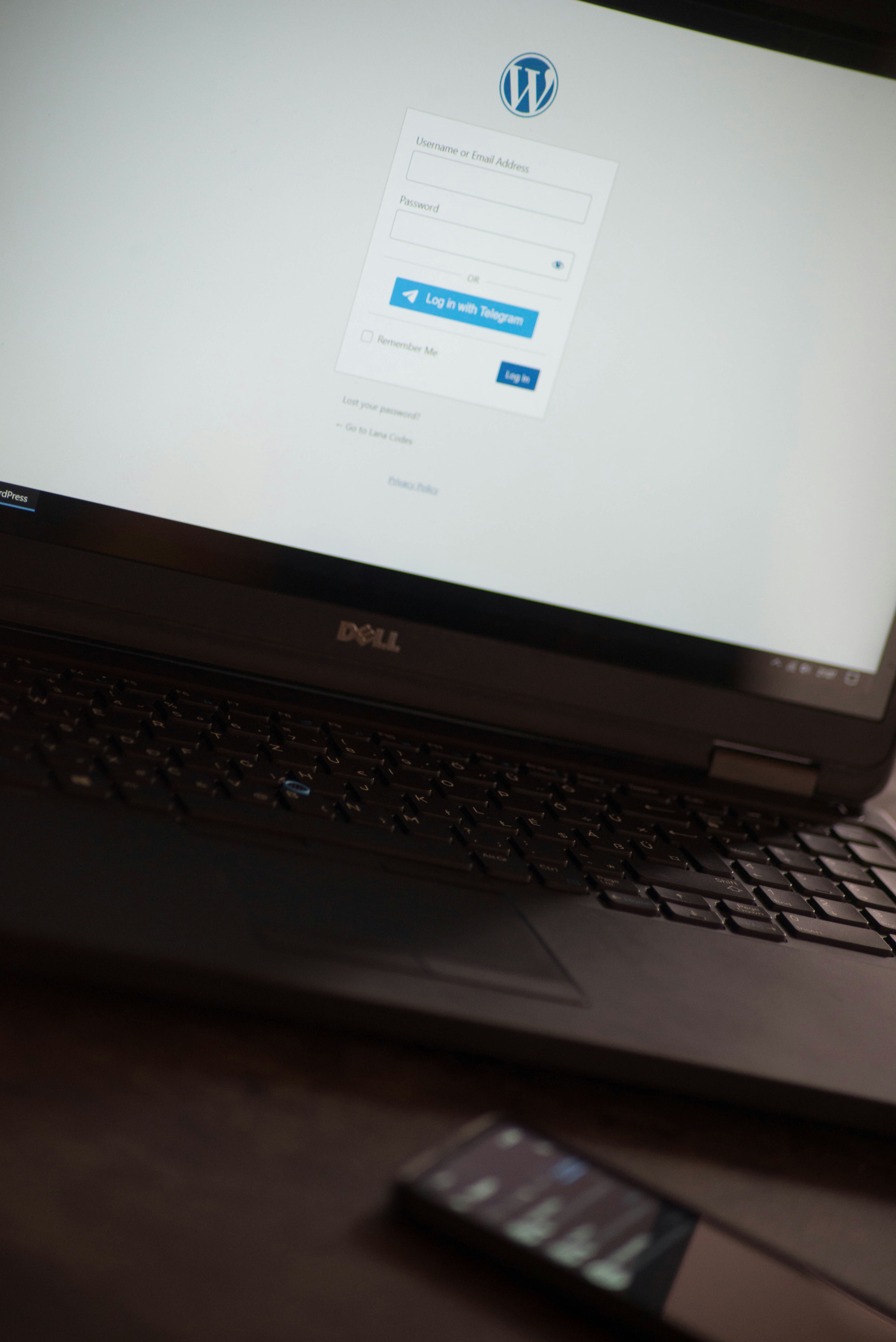
Introduction to WordPress
WordPress is a powerful and versatile content management system (CMS) that has revolutionized the way we build and manage websites. Originally launched in 2003 as a simple blogging platform, it has since evolved into a comprehensive solution that supports a wide range of websites, from personal blogs to corporate websites and online stores. Its flexibility is one of the key factors contributing to its widespread adoption, with over 40% of all websites on the internet currently powered by WordPress.
The primary purpose of WordPress is to provide users with an easy-to-use interface for creating, editing, and managing content. With a user-friendly dashboard, individuals and businesses can effortlessly publish blog posts, upload images, and customize the look and functionality of their websites without requiring extensive technical knowledge. This accessibility has made WordPress a favored choice among beginners and seasoned web developers alike.
Moreover, WordPress boasts a vast ecosystem of themes and plugins, which further enhances its capabilities. Themes allow users to alter the appearance of their site, while plugins extend functionality, enabling users to incorporate features such as contact forms, SEO tools, e-commerce capabilities, and more. This extensive library of resources ensures that users can tailor their websites to meet their specific needs, creating unique online presences for their brands or personal projects.
The community surrounding WordPress is another aspect that enhances its appeal. With thousands of developers and contributors continuously improving the platform and providing support, users can find comprehensive documentation, forums, and resources to help them navigate any challenges they may encounter. As we delve further into this guide, we will explore various aspects of WordPress, equipping you with the knowledge needed to harness the full potential of this robust CMS.
The Origins of WordPress
WordPress was launched in May 2003 by Matt Mullenweg and Mike Little as a fork of another project called b2/cafelog. Initially, it served as a straightforward and user-friendly blogging platform, catering especially to writers who wished to publish their thoughts online. With its intuitive interface and customizable features, it quickly gained popularity among aspiring bloggers.
Over the years, WordPress went through significant transformations, which can be attributed to key milestones that shaped its development. In 2004, the introduction of the “Plugins” feature allowed users to extend the platform’s capabilities, making it more versatile for various types of websites. This marked a turning point that moved WordPress beyond a mere blogging tool, establishing it as a robust content management system (CMS).
The open-source nature of WordPress fostered a vibrant community of developers and users contributing to its growing ecosystem. In 2005, the establishment of the WordPress Foundation signified a commitment to maintaining the project’s free and open-source philosophy, ensuring that the software remained accessible to everyone. This community-driven approach has allowed WordPress to evolve based on feedback from millions of users worldwide, continually improving its functionality and security.
By 2010, WordPress became the most popular CMS, powering over 20% of all websites on the internet. Its flexibility appealed to a broader audience, including businesses and non-profits, further increasing its user base. Today, WordPress supports approximately 40% of all websites, showcasing its growth from a simple blogging platform to a comprehensive and versatile website-building tool. This evolution reflects the ongoing commitment to innovation within the community, as well as the increasing demand for user-friendly solutions in web development.
What Makes WordPress Unique?
WordPress stands out among website platforms owing to its distinctive features and functionalities that cater to both novices and seasoned professionals. One of the most notable aspects of WordPress is its open-source nature, allowing users to access, modify, and improve the underlying code freely. This characteristic fosters innovation and collaboration, enabling developers from around the world to contribute to WordPress’s extensive library of themes and plugins.
Another compelling feature is WordPress’s user-friendly interface, which simplifies the process of creating and managing a website. Beginners can easily navigate the dashboard without needing extensive technical knowledge. The intuitive design, combined with a wealth of resources and tutorials, makes it accessible for anyone wishing to establish a web presence. This ease of use lowers the entry barrier for individuals and small businesses looking to build their first websites.
Moreover, WordPress offers an extensive selection of themes and plugins, empowering users to customize their websites according to their unique needs and preferences. Themes allow for a wide range of designs, while plugins enhance functionality—ranging from search engine optimization to social media integration. This versatility makes WordPress suitable for various website types, including blogs, business sites, eCommerce stores, and portfolios.
A supportive community further amplifies the appeal of WordPress. Users can engage with forums, attend meetups, and access myriad resources to seek help or share knowledge. This vibrant community, coupled with a vast array of documentation, provides a safety net for those navigating the intricacies of website building.
In summary, the unique features of WordPress, encompassing its open-source nature, ease of use, extensive customization options, and strong community support, create an environment where both beginner users and advanced professionals can thrive. These elements solidify WordPress’s position as a leading choice for website creation.
Understanding WordPress.org vs. WordPress.com
WordPress is a versatile content management system (CMS) that comes in two main versions: WordPress.org and WordPress.com. Understanding the differences between these two options is pivotal for anyone looking to build a website. WordPress.org, often referred to as self-hosted WordPress, offers greater flexibility and control. Users have complete ownership of their website and can customize it as they see fit, which includes modifying code, installing plugins, and utilizing a wide range of themes. This option is often preferred by experienced users who want to tailor their websites to their specific needs.
On the other hand, WordPress.com is a hosted service that takes care of much of the technical maintenance, making it a more beginner-friendly option. With WordPress.com, users do not have to worry about hosting, security, or backups, as these are managed by the platform. For those who seek an easy setup and minimal technical involvement, WordPress.com may be the ideal choice. However, this convenience comes with limitations, as users have restricted access to custom themes and plugins, and their ability to monetize their site may be restricted unless they opt for higher-tier paid plans.
The decision between WordPress.org and WordPress.com ultimately depends on the user’s specific requirements and technical expertise. For individuals or businesses desiring the utmost control over their site’s functionality and design, WordPress.org is generally the recommended option. Conversely, those who prioritize simplicity and ease of use may find that WordPress.com aligns better with their goals. Each platform has its trade-offs regarding flexibility, control, and ease of use, making it crucial for prospective users to carefully assess their needs before making a choice.
Getting Started with WordPress
Beginning your journey with WordPress requires several foundational steps. The first, and arguably most critical, is selecting a reliable hosting provider. The hosting service acts as the backbone of your website, providing the necessary server space where your files and content will be stored. It is advisable to research various hosting options, keeping an eye on features such as uptime guarantees, customer support, and scalability. Popular choices include Bluehost, SiteGround, and DreamHost, which cater specifically to WordPress installations.
Once you have settled on a hosting provider, the next step is to install WordPress. Many hosting services offer one-click installations, simplifying the setup process for beginners. After signing up for your hosting plan, you will find an option to install WordPress directly from your control panel. Follow the prompts, fill in the necessary information, and in a matter of minutes, your WordPress site will be ready for customization. If your host does not provide a one-click option, you can still install WordPress manually by downloading the software from the official WordPress website and uploading it to your server via an FTP client.
With WordPress installed, you will be directed to the dashboard, which acts as your central hub for managing the website. Familiarizing yourself with this dashboard is crucial, as it contains all the tools you will need to create and edit content. The sidebar menu includes sections like Posts, Pages, and Media, allowing you to easily add new content and manage existing elements. Furthermore, the Appearance section enables you to customize the visual aspects of your site through themes and widgets. Understanding how to navigate the dashboard will empower you to effectively manage your WordPress site and lay the groundwork for a successful online presence.
Creating Your First WordPress Site
Starting your journey with WordPress can be both exciting and daunting. To create your first website on this popular platform, begin by selecting a suitable hosting provider that supports WordPress installations. Providers like Bluehost and SiteGround are known for their user-friendly setups and reliability. After registering your domain name and hosting plan, you will typically have the option to install WordPress with just a single click.
Once WordPress is installed, the next step involves choosing a theme that suits your website’s purpose. WordPress offers an extensive selection of free and premium themes, allowing you to customize the look and feel of your site. It’s advisable to pick a theme that is responsive and compatible with the latest WordPress version, as this ensures your website functions well across different devices. Popular themes such as Astra and OceanWP provide versatile layouts that can adapt to various content types.
Adding essential plugins enhances the functionality of your WordPress site. Begin with a few key plugins: Yoast SEO for search engine optimization, Jetpack for performance and security, and a contact form plugin like Contact Form 7. These tools will help improve your site’s visibility and user experience. Installing plugins is straightforward; navigate to the ‘Plugins’ section in your WordPress dashboard, click ‘Add New,’ and search for the plugins you wish to install.
With your theme and plugins set up, it’s time to create basic pages. Start with key pages like ‘Home,’ ‘About,’ and ‘Contact’. In the WordPress editor, you can easily add text, images, and other media. Don’t hesitate to explore the different formatting options available to create visually appealing content. Remember, the key to overcoming challenges lies in persistence and leveraging the vast resources of the WordPress community, including forums, tutorials, and documentation.
Customizing Your WordPress Site
Customizing your WordPress site is an essential step in establishing your online presence and identity. This process allows users to transform a standard template into a unique representation of their brand. One of the primary ways to achieve this is by modifying themes. WordPress offers a wide variety of themes, each designed with different aesthetics and functionalities. By selecting a theme that resonates with your vision, you can set the foundation for your site’s appearance. After selecting a theme, customization options abound, allowing users to adjust various elements such as fonts, header images, and background designs.
Another important aspect of customization is adjusting layouts. WordPress provides various layout options that can accommodate different types of content and enhance user experience. For instance, you may want to experiment with grid layouts for visual appeal or list formats for straightforward readability. Utilizing page builders and widgets can further enhance the layout by enabling the incorporation of multimedia galleries, sidebars, and promotional sections. These tools ensure that you can arrange content to best meet your objectives while still keeping the website engaging for visitors.
Choosing the right color scheme is also crucial in the customization process. The colors used on your site can influence visitor perceptions and emotions, thus reinforcing your brand identity. WordPress themes typically come with predefined color palettes, but users can often tailor these options to fit their specific needs. Consistency in color usage throughout your site not only aids in branding but also contributes to better readability and user engagement.
Ultimately, personalizing your WordPress site is not just about aesthetics; it is a vital component of creating an inviting atmosphere that resonates with your target audience. Investing time in customization can significantly enhance your website’s overall impact and create a memorable experience for visitors.
Maintaining Your WordPress Site
Maintaining a WordPress site is essential for ensuring long-term functionality, security, and performance. Regular updates to the core WordPress software, themes, and plugins are vital for safeguarding against vulnerabilities and ensuring compatibility with the latest web technologies. It is advisable to check for updates weekly or bi-weekly to keep your site running smoothly. Failure to update can lead to security risks, diminished site performance, and potential data loss.
Furthermore, creating regular backups is a critical aspect of website maintenance. This practice allows you to quickly restore your site in case of unexpected failures or attacks. Many hosting providers offer automated backup solutions. However, it is prudent to handle backups manually as well. You can utilize plugins such as UpdraftPlus or BackupBuddy, which simplify the backup process and allow you to schedule backups at regular intervals. Store backups in a secure location, whether that be cloud storage or an external hard drive, to ensure they are readily available when needed.
In addition to updates and backups, implementing robust security measures is critical to maintaining a WordPress site. Utilize security plugins such as Sucuri or Wordfence to monitor your website for vulnerabilities. Employ strong passwords and utilize two-factor authentication wherever possible. Maintaining a comprehensive security strategy may also involve limiting user access, ensuring that only those who need access to the administration area have it.
Moreover, optimizing site speed is crucial. Regularly check performance using tools like Google PageSpeed Insights or GTmetrix, and address any speed-related issues. By optimizing images, utilizing caching, and minimizing the use of heavy scripts, you can enhance your website’s loading time, which significantly improves user experience.
In conclusion, routine maintenance practices—such as updates, backups, security implementations, and speed optimizations—are vital in ensuring the longevity and effectiveness of your WordPress site. Adopting these best practices will help your site thrive, providing a secure and efficient platform for your audience.
The WordPress Community and Resources
The WordPress community is a vibrant and extensive network of individuals, organizations, and contributors dedicated to the support and development of the WordPress platform. As one of the largest open-source projects globally, WordPress thrives on collaboration, making it essential for users to engage with this community to maximize their experience. Whether one is a developer, designer, or novice content creator, the WordPress community provides invaluable resources that cater to diverse needs and skill levels.
Forums and discussion boards are pivotal in fostering community support. Websites such as the official WordPress Support Forums offer users a platform to ask questions, share experiences, and provide solutions. This collaborative environment enables beginners to access a wealth of knowledge shared by seasoned users, making problem-solving more efficient. Additionally, many third-party forums and platforms, such as Stack Overflow and Reddit, host vibrant discussions that further enhance the learning experience.
Beyond forums, a plethora of blogs and websites serve as repositories of information about WordPress. Prominent sites like WPBeginner, WPMU DEV, and Smashing Magazine delve into various topics, offering tutorials, tips, and best practices for users at all levels. These resources empower individuals by equipping them with the necessary skills to navigate WordPress effectively, from basic setup to advanced customization.
Furthermore, numerous educational platforms, such as Udemy and Coursera, offer courses specifically tailored to WordPress. These classes address various aspects, including theme development, plugin creation, and SEO strategies, ensuring that users can acquire both foundational and advanced skills. By utilizing these resources, individuals can not only improve their WordPress expertise but also contribute back to the community, fostering a cycle of learning and support.
In conclusion, the WordPress community serves as a robust support network, enriched by an array of resources that empower users. Engaging with this community and utilizing its offerings can significantly enhance one’s WordPress journey, fostering growth through shared knowledge and collaboration.
Conclusion: Embracing Your Digital Journey
As we conclude our exploration of WordPress and its expansive capabilities, it is essential to reflect on the key takeaways that can empower you on your digital journey. WordPress has long established itself as a premier content management system (CMS), offering a wealth of features that cater to both novice and seasoned users alike. By providing an accessible platform for creating, managing, and sharing content, WordPress enables individuals and businesses to establish a robust online presence.
One of the primary advantages of WordPress is its user-friendly interface, which simplifies the process of web design and allows users to focus on what truly matters: their content. With countless themes and plugins available, you can customize your site to reflect your personal style or brand identity, making it uniquely yours. Furthermore, the extensive community support surrounding WordPress ensures that help is always just a few clicks away, fostering a collaborative environment for learners and experts to thrive together.
Embracing WordPress not only means harnessing the tools it provides but also committing to a journey of continuous learning and exploration. As you delve deeper into the platform’s features, consider experimenting with different functionalities, such as e-commerce capabilities, SEO optimization, and multimedia integration. Each new skill you acquire enhances your ability to create compelling content and engage with your audience effectively.
In essence, the journey you embark on with WordPress is not just about building a website; it is about sharing your voice, connecting with others, and showcasing your passions. Whether you aim to blog, showcase your portfolio, or establish an e-commerce store, WordPress equips you with the tools needed to succeed. As you take these steps, remember to remain open to new opportunities and challenges that arise, allowing your creativity to flourish in this ever-evolving digital landscape.